 Productivity
Raycast
Powerful macOS launcher and productivity platform — 7.3K GitHub stars for extensions
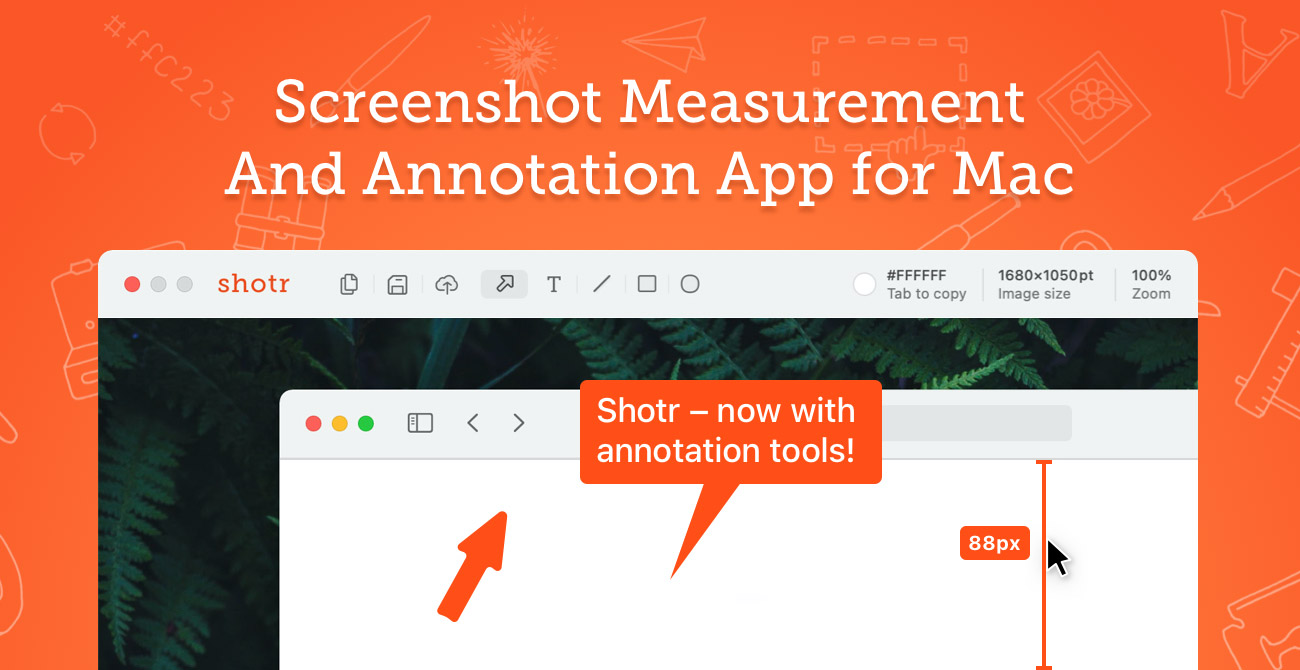
Shottr is a 2.3 MB native macOS screenshot tool built for designers and developers who care about pixels — it nails scrolling captures, OCR, color picking and measurement at one-tenth the price of CleanShot X. Worth installing on every Mac.
Shottr is a 2.3 MB native macOS screenshot tool built for designers, front-end engineers and anyone who lives in a pixel ruler. We rate it 88/100 — if you take more than a handful of screenshots a week and you don’t already pay for CleanShot X, install Shottr today.
Shottr is a Mac-only screenshot, annotation and measurement app made by indie developer Mikhail Mikhailov under Electric Endeavors LLC. The app first appeared on Hacker News in and went on to win a wide following on Reddit, Product Hunt and Mac power-user circles. The current public release as of is v1.9.1, distributed as a 2.3 MB DMG and also available through Homebrew (brew install --cask shottr).
The pitch is simple: macOS’ built-in Cmd + Shift + 4 is fine for a quick crop, but the moment you need to scroll a long page, OCR a paywalled article, sample a colour, measure a button or pixelate a row of email addresses, you reach for a different tool. Shottr packs all of that into a single launcher that takes ~17 ms to fire and ~165 ms to show the editor — faster than the macOS preview thumbnail. Crucially, it is fully native, optimised for Apple Silicon, and ships without a subscription.
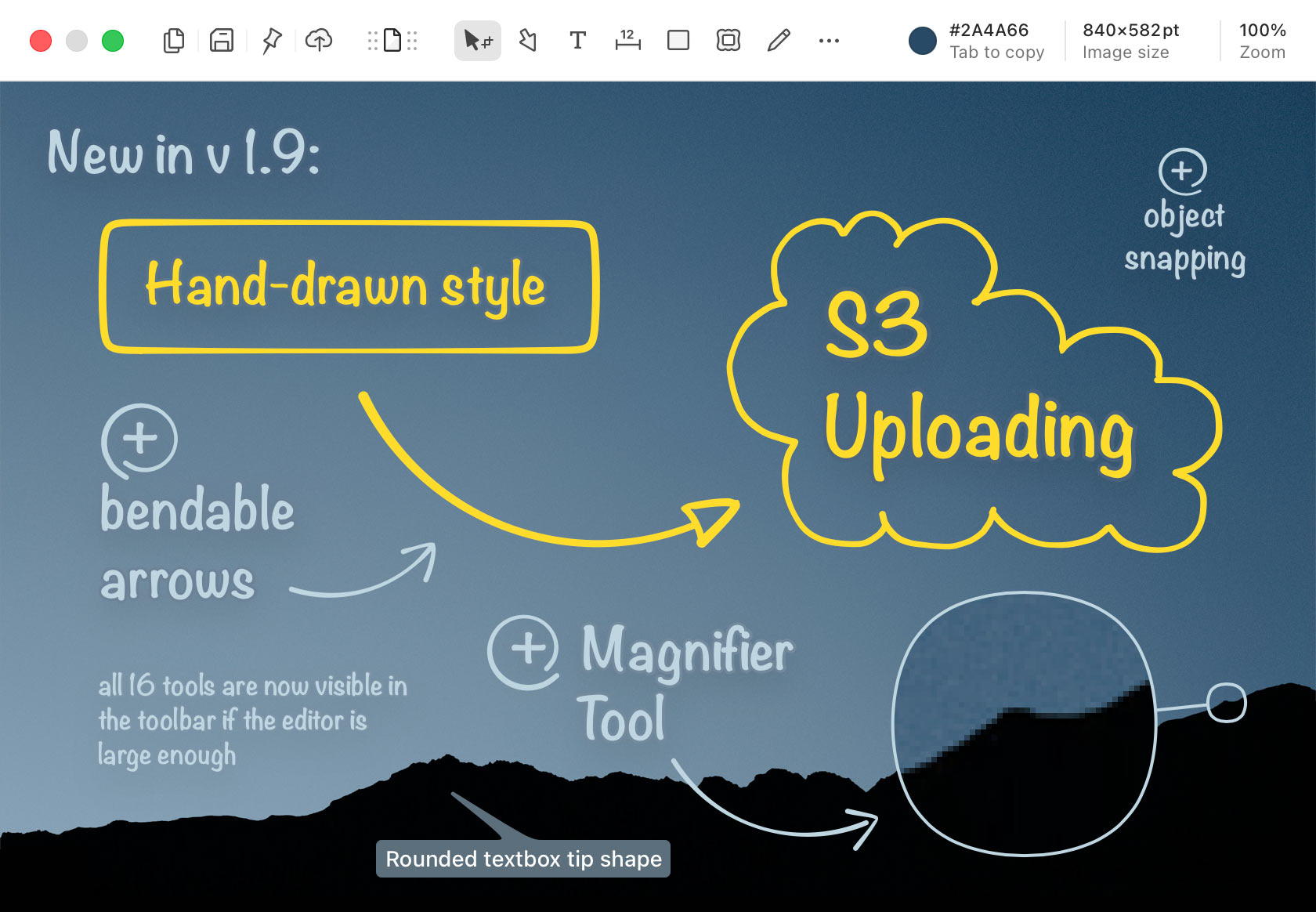
TAB to copy its color (HEX, RGB, NSColor, SwiftUI, UIColor — configurable). Shift + TAB grabs the dominant text color of a 20×20 px region.
Sentiment is overwhelmingly positive. The original Hacker News thread in 2022 surfaced more than 250 comments, with the most upvoted reply praising the speed (“faster than CMD+Shift+4”) and the fact that Shottr was free at launch. On Reddit’s r/macapps and the Mac Power Users forum, Shottr is the most-recommended free alternative to CleanShot X — commenters specifically call out the scrolling screenshots, the screen ruler and the absurdly small disk footprint as standout features.
The honest complaints are real but narrow. There is no screen recording — Shottr is screenshots only, so users who want short-clip GIFs still install CleanShot X or Kap alongside it. There is no built-in cloud upload — you can copy to clipboard or save to a folder, but a shareable URL is not part of the product. The Friends Club tier is sometimes called “mostly cosmetic”: most paying users only need the Basic license. And Windows or Linux users are out of luck — the app is Mac only and the developer has said a port is unlikely.
Shottr stays free to download — the app keeps working after 30 days but begins suggesting an upgrade. A Basic license is required for commercial use. Both paid tiers are one-time purchases, never subscriptions, processed by FastSpring with EU-compliant VAT invoices.
| Plan | Price | Key Limits |
|---|---|---|
| Free | $0 | All core features. After 30 days the app prompts you to upgrade. Personal, non-commercial use only. |
| Basic Tier | $12 one-time | Unlocks the full app, removes the upgrade nag, allows commercial use. One user, up to 5 Macs. |
| Friends Club | $30 one-time | Everything in Basic, plus access to experimental features, priority email support and a thank-you in the about screen. |
Best for: macOS designers, front-end and mobile developers, technical writers and QA engineers who screenshot every day and need OCR, scrolling captures or a pixel ruler. It’s also the right pick for anyone who refuses to pay a $96/year subscription for screenshots when a $12 one-time native app does 80% of the job.
Not ideal for: People who need screen recording or built-in cloud sharing — for that, CleanShot X is still the more complete suite. Also a hard pass for Windows and Linux users; Shottr is Mac only.
Pros:
Cons:
CleanShot X is the obvious paid alternative — pricier ($29 one-time or part of Setapp) but adds video recording, cloud uploads and a more polished annotation toolbar. ShareX is the open-source Windows equivalent with broader output integrations but no Mac build. Apple’s built-in screenshot tool (Cmd + Shift + 5) is free and fine for casual use, but lacks scrolling capture, OCR, the screen ruler and any kind of object erase.
Yes — it is the easiest $12 a Mac-using designer or developer can spend in 2026. Shottr does not try to be a creative suite; it does seven or eight things really well, ships them in a 2.3 MB native binary, and refuses to charge a subscription. We rate it 88/100. The only reason it isn’t scoring in the 90s is the absence of screen recording and a built-in share URL — if those land in a future release, this is a 95+ app.
ProductivityPowerful macOS launcher and productivity platform — 7.3K GitHub stars for extensions
 Productivity
Local-first, Markdown-native note-taking with a graph view and 2,000+ community plugins
 Productivity
Open-source AirDrop alternative for any device — 80k GitHub stars, end-to-end encrypted, zero internet required.
 Productivity
Self-hosted document management with OCR, auto-tagging and full-text search in 100+ languages
ServiceNow and Accenture Launch Forward Deployed Engineering Program to Scale Agentic AI in the Enterprise (May 6, 2026)
At Knowledge 2026, ServiceNow and Accenture announced a joint forward deployed engineering program that drops co-located engineer pods into customer environments to ship agentic AI workflows natively on the ServiceNow AI Platform — with access to 300+ pre-built agent skills and the AI Control Tower as the governance backbone.
May 7, 2026
ReFiBuy Raises $13.6M Seed to Help Brands Get Recommended by AI Shopping Agents (May 5, 2026)
ReFiBuy, the Raleigh-based agentic commerce platform from ChannelAdvisor founder Scot Wingo, closed an oversubscribed $13.6M seed led by NewRoad Capital Partners on May 5, 2026 — betting that the next billion-dollar e-commerce moat is being chosen by ChatGPT, Claude and Perplexity.
May 7, 2026
OpenAI Replaces ChatGPT's Default Model With GPT-5.5 Instant — 52.5% Fewer Hallucinations, 30% Shorter Answers (May 5, 2026)
OpenAI on May 5 swapped GPT-5.3 Instant for the new GPT-5.5 Instant as ChatGPT's default model, claiming 52.5% fewer hallucinated claims on high-stakes prompts and 30% more concise answers. The model also rolls into the API as chat-latest and adds personalization from Gmail and past chats for Plus and Pro web users.
May 7, 2026
Is this product worth it?
Built With
Compare with other tools
Open Comparison Tool →