
 Productivity
Raycast
Powerful macOS launcher and productivity platform — 7.3K GitHub stars for extensions
AeroSpace brings i3-style tiling and keyboard-driven workspaces to macOS without disabling System Integrity Protection. Free, open source, and the most-starred Mac tiler on GitHub right now.
AeroSpace is a free, open-source tiling window manager for macOS that mimics the i3/Sway workflow Linux power users miss when they switch to a Mac. We rate it 82/100 — the most reliable keyboard-driven window manager available for macOS in 2026, ideal for Linux refugees and dotfile tinkerers, but still pre-1.0 with rough edges around drag-to-rearrange and macOS native fullscreen.
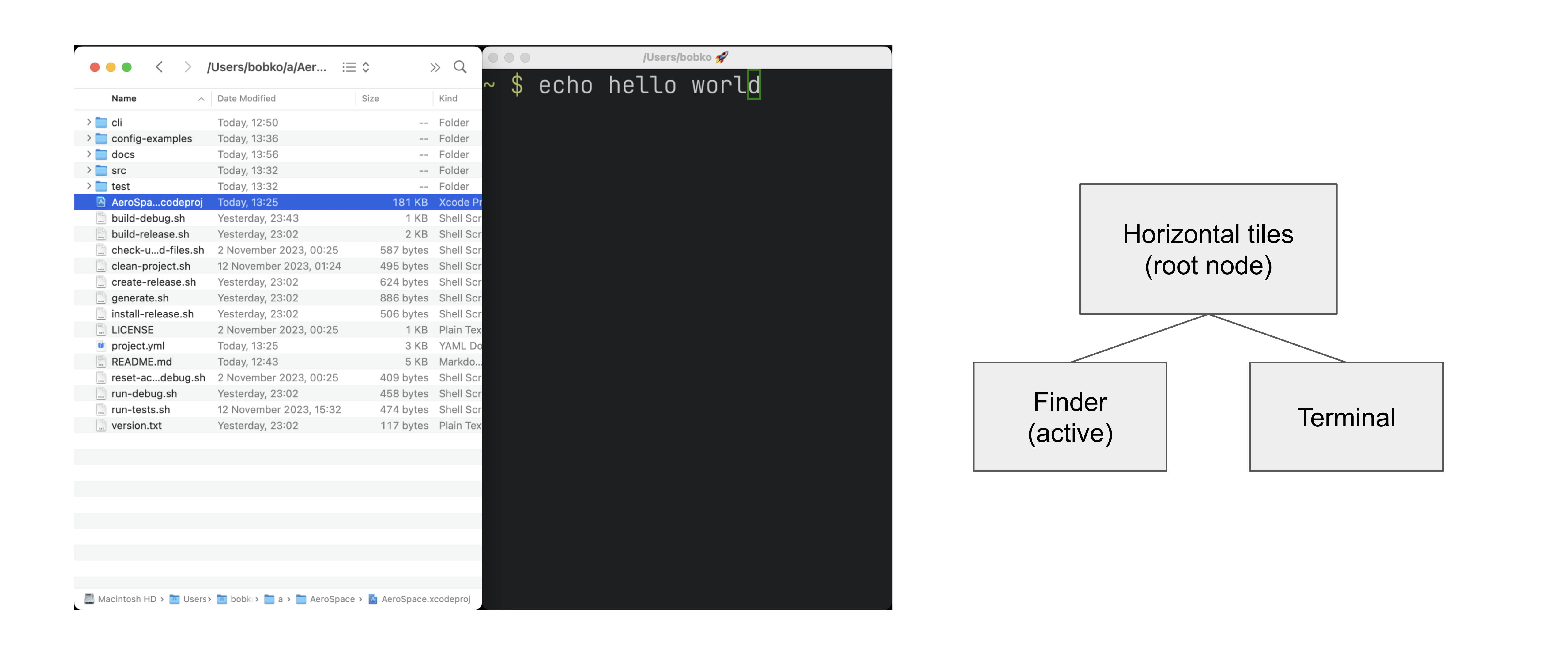
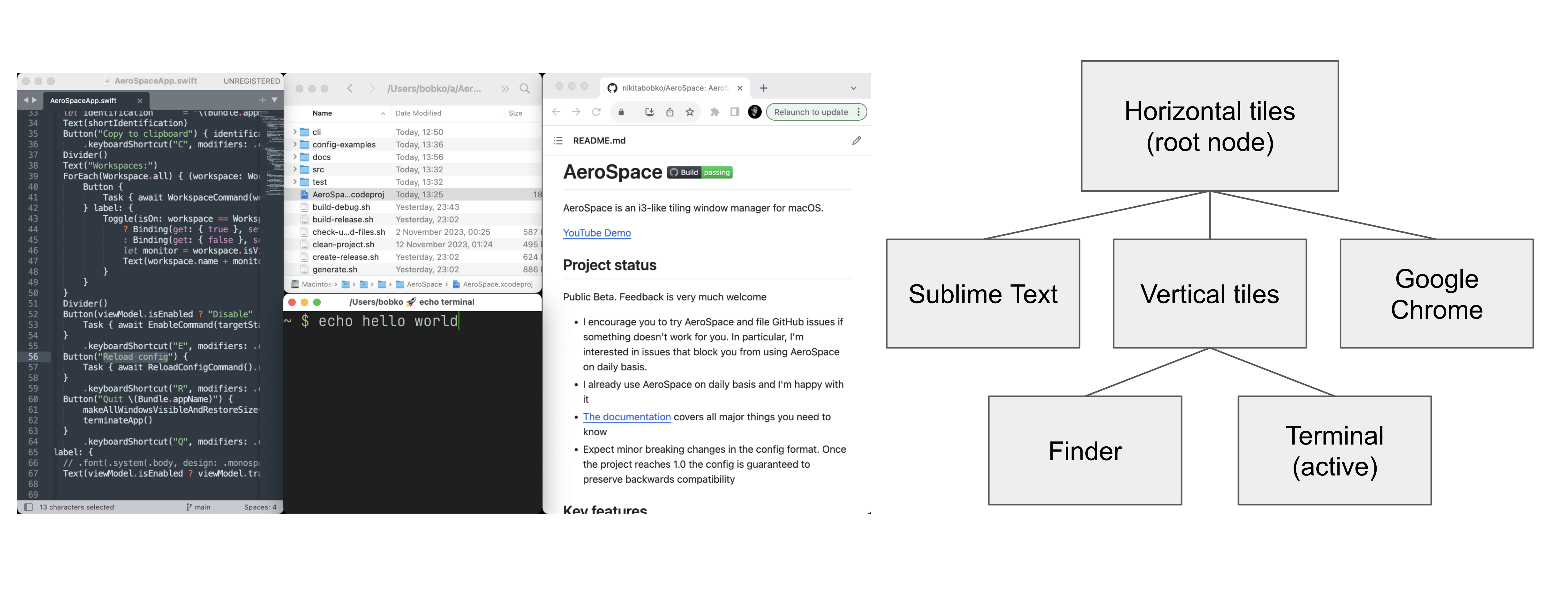
AeroSpace is a desktop window manager that automatically tiles your application windows into clean grids and lets you switch, move, and resize them with keyboard shortcuts instead of dragging with the mouse. It is written in Swift, licensed under MIT, and runs natively on Apple Silicon and Intel Macs.
The project was created by Nikita Bobko and the first commit landed on GitHub on . By it has crossed 20,500 stars, 502 forks, and the latest beta — v0.20.3-Beta — shipped on . AeroSpace's killer differentiator is that, unlike Yabai, it does not require disabling SIP (System Integrity Protection) because it relies only on the public macOS Accessibility API.
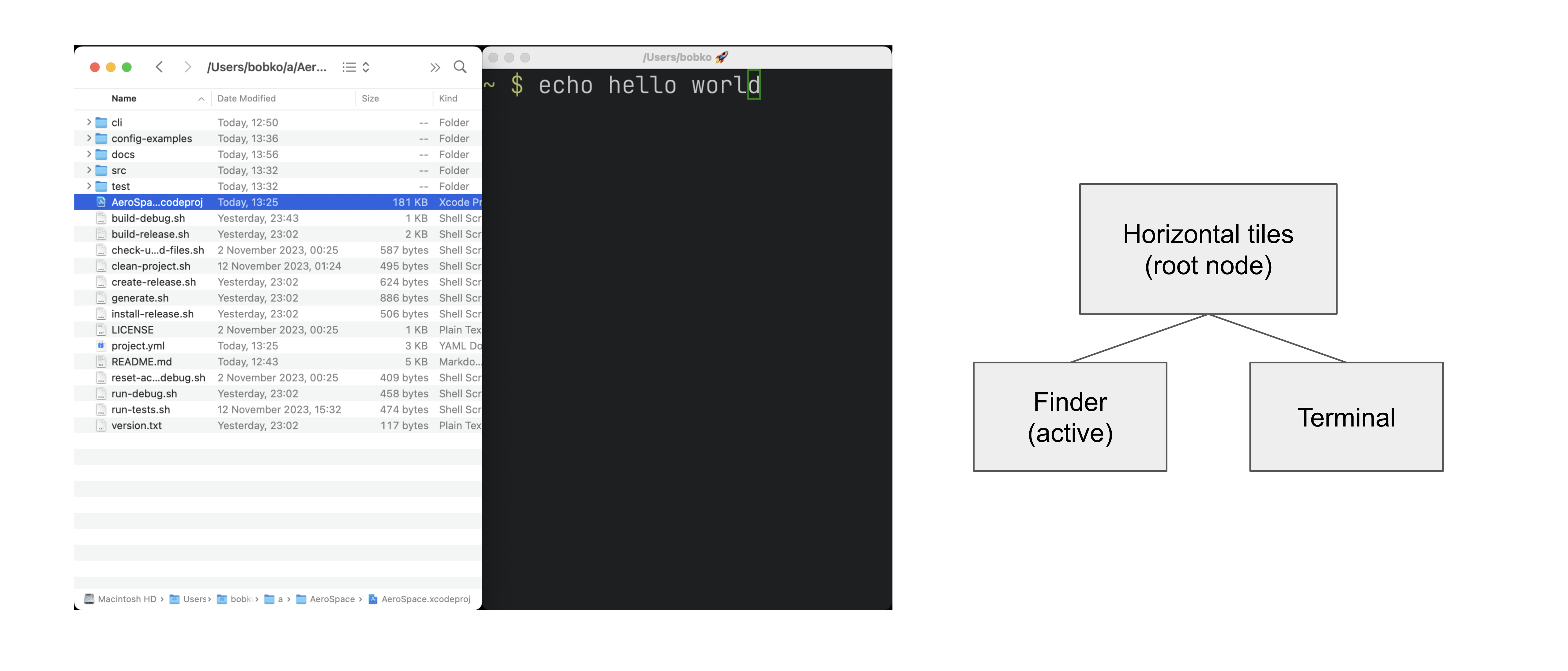
alt-1, alt-2, etc., without the half-second slide animation Apple's native Spaces force on you.~/.aerospace.toml file with a syntax familiar to anyone who has used i3 or Sway on Linux.aerospace CLI exposes every action as a shell command, so you can drive it from skhd, Hammerspoon, or your own scripts.list-windows, list-workspaces, and list-monitors support custom interpolation variables for piping into menubar widgets like Zebar or sketchybar.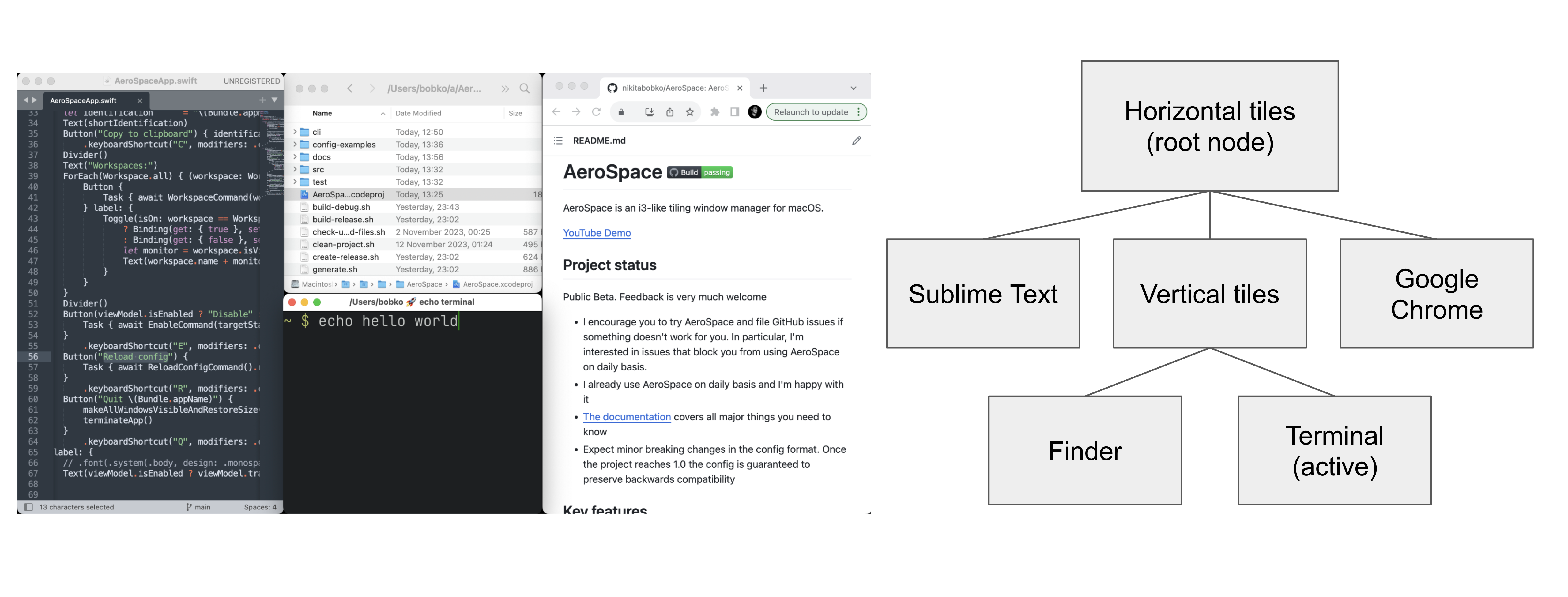
On Hacker News and r/MacOS, the loudest praise is consistent: AeroSpace is the first macOS tiler that just works for daily driving — multiple long-time Yabai users describe switching and never going back precisely because they no longer need to disable SIP. Reviewers at roguelazer.com and nek12.dev rank it ahead of Amethyst and Yabai in 2026 head-to-heads.
The recurring complaints are also clear. Drag-to-rearrange is extremely limited — the workflow assumes keyboard, not mouse. Several users report AeroSpace gets confused with macOS native fullscreen mode, and a Hacker News thread notes flakiness under moderate system load because the underlying Accessibility API can stall for seconds. The project is still pre-1.0 and breaking config changes have shipped between minor versions — v0.20.0's new dialog heuristics, for example, briefly broke window detection in a few apps until follow-up patches.
AeroSpace is free and open source under the MIT license. There is no paid tier, no premium edition and no telemetry. The project accepts donations via GitHub Sponsors but every feature is in the public binary.
| Plan | Price | Includes |
|---|---|---|
| Open source | $0 | Full feature set, MIT license, source on GitHub |
| GitHub Sponsors | Pay what you want | Same software, supports the maintainer |
Best for: developers, sysadmins and writers coming from i3/Sway on Linux who want to keep their muscle memory on macOS, plus anyone who finds dragging windows tedious and prefers alt-h/j/k/l navigation. Especially good for multi-monitor setups where stable, scripted workspace assignment matters.
Not ideal for: mouse-first users, designers who rely on macOS native fullscreen for Figma or Final Cut, and anyone who needs first-class drag-and-drop window rearrangement. People who want a polished, opinionated, GUI-configured tool should look at Magnet or Rectangle Pro instead.
Pros:
Cons:
The two most-cited alternatives in 2026 are Yabai — more powerful binary space partitioning but requires disabling SIP and breaks on every major macOS update — and Amethyst, an older xmonad-style tiler that needs no SIP disabling but lacks AeroSpace's workspace model and CLI. For paid users, Magnet and Rectangle Pro handle simple half/quarter snapping with a friendlier GUI but are not real tilers.
Yes — if you came from i3 or Sway and want that workflow back on a Mac, AeroSpace is the answer in 2026. Our 82/100 reflects that: it is the best free macOS tiler we have tested this year, but it is still beta software with rough edges around drag-rearrangement and native fullscreen. If you want a polished mouse-friendly snapping tool, look elsewhere; if you want real i3 on macOS without disabling SIP, install AeroSpace today.
brew install --cask nikitabobko/tap/aerospace. You can also download the .zip from the GitHub Releases page and drag the app to /Applications.ServiceNow and Accenture Launch Forward Deployed Engineering Program to Scale Agentic AI in the Enterprise (May 6, 2026)
At Knowledge 2026, ServiceNow and Accenture announced a joint forward deployed engineering program that drops co-located engineer pods into customer environments to ship agentic AI workflows natively on the ServiceNow AI Platform — with access to 300+ pre-built agent skills and the AI Control Tower as the governance backbone.
May 7, 2026
ReFiBuy Raises $13.6M Seed to Help Brands Get Recommended by AI Shopping Agents (May 5, 2026)
ReFiBuy, the Raleigh-based agentic commerce platform from ChannelAdvisor founder Scot Wingo, closed an oversubscribed $13.6M seed led by NewRoad Capital Partners on May 5, 2026 — betting that the next billion-dollar e-commerce moat is being chosen by ChatGPT, Claude and Perplexity.
May 7, 2026
OpenAI Replaces ChatGPT's Default Model With GPT-5.5 Instant — 52.5% Fewer Hallucinations, 30% Shorter Answers (May 5, 2026)
OpenAI on May 5 swapped GPT-5.3 Instant for the new GPT-5.5 Instant as ChatGPT's default model, claiming 52.5% fewer hallucinated claims on high-stakes prompts and 30% more concise answers. The model also rolls into the API as chat-latest and adds personalization from Gmail and past chats for Plus and Pro web users.
May 7, 2026
Is this product worth it?
Built With
Compare with other tools
Open Comparison Tool →